Limited Time Offer: Get CrispForms Pro for life at just $149 Claim Now
Modern Google Forms alternative

CrispForms vs Google Forms:
Which Form Builder Fits Better?

Google Forms is simple, familiar, and useful for internal data collection. CrispForms is for teams that need branded, conversion-focused forms that look polished on websites and feel better for respondents.

Competitor type

Free survey and data collection tool

Quick verdict

Choose CrispForms when a form is part of your customer experience, not just a quick spreadsheet input.

The Practical Positioning

Both tools can collect responses. The better choice depends on the job your forms need to do.

G

Google Forms

Free survey and data collection tool

Google Forms works well for quick internal forms, classroom surveys, team polls, and basic data collection tied to Google Workspace.

Best when you need:

  • Internal checklists, quick surveys, and simple Google Workspace workflows
  • Teams that only need basic form creation and automatic spreadsheet storage
  • Education or nonprofit use cases where familiarity matters most
BEST FOR CONVERSIONS

CrispForms

Conversational forms, surveys, and quizzes

CrispForms is built for public-facing forms where design, flow, conditional logic, analytics, and embeds influence how many people finish.

Best when you need:

  • Landing page forms that need to match your brand
  • Lead capture and qualification flows with branching logic
  • Surveys and quizzes where completion rate matters

Feature-by-Feature Comparison

A practical view of how CrispForms and Google Forms compare for everyday form workflows.

Area CrispForms Google Forms Takeaway
Brand impression Customizable, polished forms for public pages. Recognizable Google-style form layout. CrispForms is stronger when the form affects customer trust.
Conversational UX One-question-at-a-time flow for forms, surveys, and quizzes. Primarily traditional multi-question forms. CrispForms makes longer forms feel lighter to complete.
Embeds Multiple embed modes for marketing sites and product pages. Basic embed support for simple use cases. CrispForms gives marketers more control over placement and behavior.
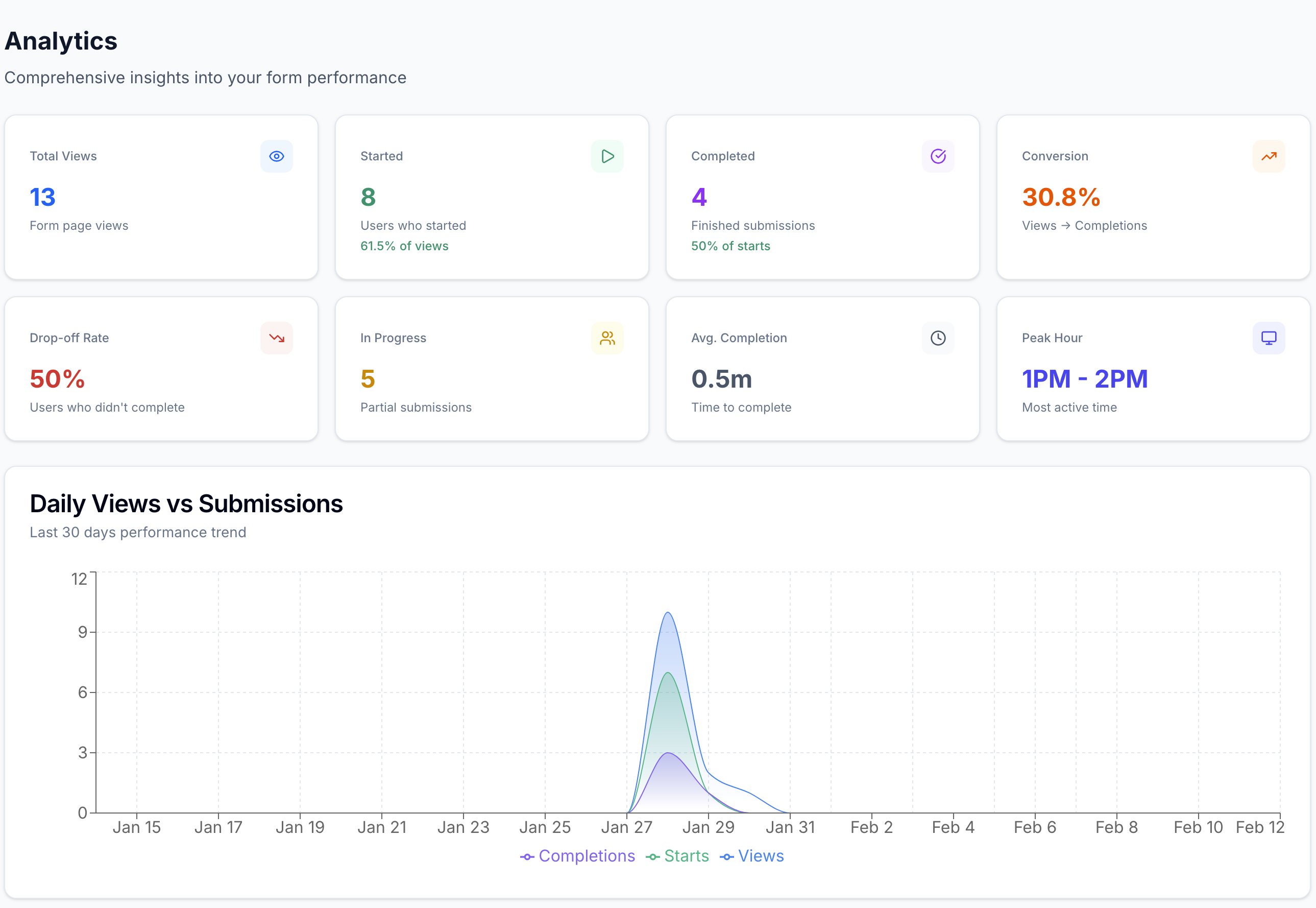
Analytics Tracks views, starts, completions, and drop-off. Response collection is simple, but conversion analytics are limited. CrispForms helps optimize the form, not just collect answers.
Best fit Customer-facing campaigns, lead forms, quizzes, feedback, and branded surveys. Internal forms, quick polls, and basic spreadsheet-backed data collection. Use Google Forms for convenience; use CrispForms for experience and conversion.

Why Teams Choose CrispForms

CrispForms is intentionally focused on the workflows where form experience directly affects results.

Better public-facing design

CrispForms gives your forms a polished customer-facing experience instead of a generic internal survey look.

More engaging flow

A conversational format helps break long forms into smaller steps so respondents are less likely to abandon midway.

Website-ready embeds

CrispForms is built to sit inside websites, landing pages, popups, and full-page campaigns without feeling bolted on.

Migration plan

Switching from Google Forms

Treat migration as a chance to shorten old forms, remove low-value questions, and turn static pages into higher-completion conversations.

  1. 1

    Export or review your Google Forms questions, sections, required fields, and response spreadsheet.

  2. 2

    Rewrite long question groups into a shorter conversational flow in CrispForms.

  3. 3

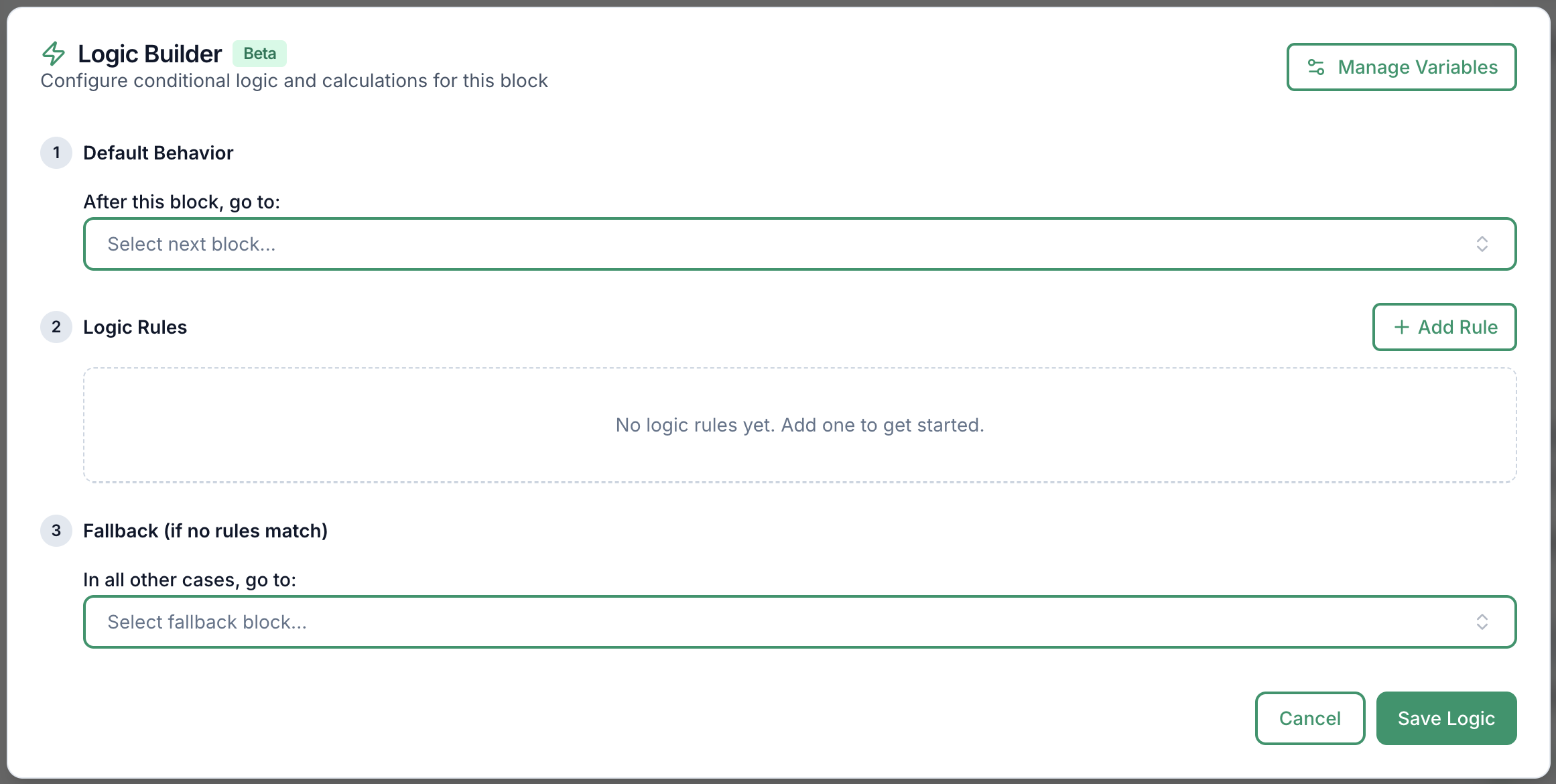
    Rebuild conditional sections with the CrispForms logic builder.

  4. 4

    Connect Google Sheets if your team wants to keep using spreadsheets for response review.

  5. 5

    Replace public Google Forms links with branded CrispForms links or embeds.

Built for Modern Form Workflows

CrispForms combines a polished respondent experience with the practical tools teams need after launch.

AI form generation screenshot in CrispForms

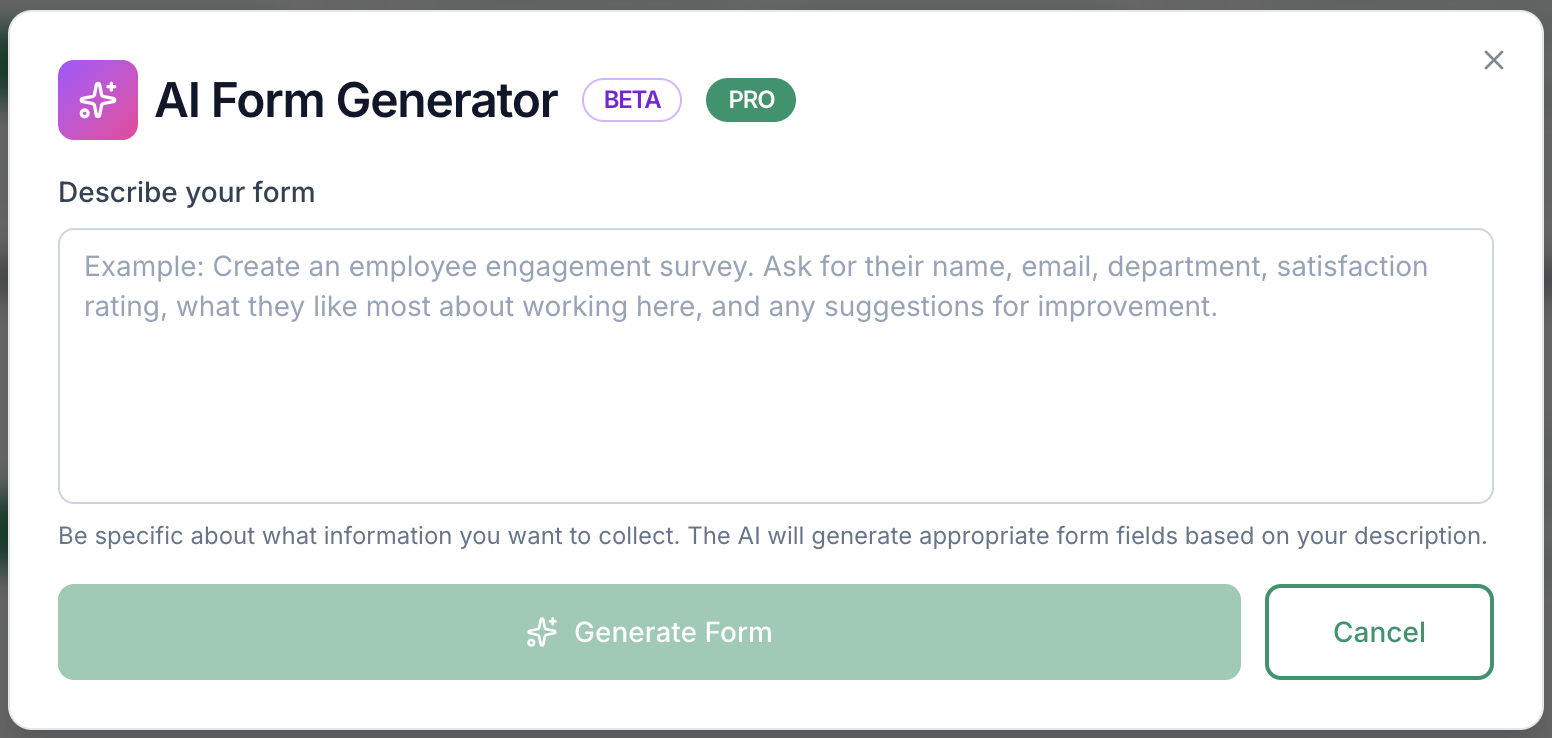
AI form generation

Draft forms from a plain-English prompt, then refine questions, logic, and copy before publishing.

Logic builder screenshot in CrispForms

Logic builder

Create branching paths for lead qualification, feedback follow-ups, product matching, and quizzes.

Analytics dashboard screenshot in CrispForms

Analytics dashboard

Track views, starts, completions, and drop-off so every form can improve after launch.

Frequently Asked Questions

Short answers for teams evaluating CrispForms and Google Forms.

Is CrispForms better than Google Forms?

CrispForms is better for branded, public-facing, conversion-focused forms. Google Forms remains a good choice for quick internal forms and simple response collection.

Can CrispForms send responses to Google Sheets?

Yes. CrispForms supports Google Sheets workflows, so teams can keep a spreadsheet-based review process while improving the respondent experience.

Why switch from Google Forms to CrispForms?

Switch when the form is part of a marketing, sales, feedback, or customer workflow and you need better design, embeds, logic, and completion analytics.

Ready to Try a More Conversational Alternative?

Build your first CrispForms form in minutes. Start with a lead form, feedback survey, quiz, registration flow, or any customer-facing form that deserves a better experience.