Limited Time Offer: Get CrispForms Pro for life at just $149 Claim Now
Branded Microsoft Forms alternative

CrispForms vs Microsoft Forms:
Which Form Builder Fits Better?

Microsoft Forms is convenient for Microsoft 365 users and internal surveys. CrispForms is built for branded, customer-facing experiences where design, embeds, logic, and completion analytics matter.

Competitor type

Microsoft 365 survey tool

Quick verdict

Choose CrispForms when your form is meant for customers, prospects, or website visitors rather than internal Microsoft 365 collection.

The Practical Positioning

Both tools can collect responses. The better choice depends on the job your forms need to do.

M

Microsoft Forms

Microsoft 365 survey tool

Microsoft Forms works well for quick surveys, quizzes, polls, and internal feedback inside Microsoft 365.

Best when you need:

  • Internal Microsoft 365 surveys and quizzes
  • Quick team polls and training checks
  • Organizations that want simple forms inside their existing Microsoft account
BEST FOR CONVERSIONS

CrispForms

Conversational forms, surveys, and quizzes

CrispForms is better for public-facing forms that need to feel polished, match your site, and optimize for completion.

Best when you need:

  • Public lead forms, registrations, surveys, and feedback pages
  • Branded website embeds and campaign forms
  • Customer-facing quizzes and qualification flows

Feature-by-Feature Comparison

A practical view of how CrispForms and Microsoft Forms compare for everyday form workflows.

Area CrispForms Microsoft Forms Takeaway
Workspace fit Independent form builder for websites and customer workflows. Convenient inside Microsoft 365. Microsoft Forms is good internally; CrispForms is stronger publicly.
Branding Designed for polished public forms and custom presentation. Basic Microsoft form appearance. CrispForms gives customer-facing forms a better first impression.
Embeds Multiple embed modes for marketing pages. Simple sharing and embed options. CrispForms is more flexible for website campaigns.
Analytics Tracks completion behavior and drop-off. Useful response summaries for basic surveys. CrispForms helps optimize the journey before submission.
Best fit Customer-facing forms, lead capture, surveys, quizzes, and feedback. Internal Microsoft 365 surveys, polls, and quizzes. Choose based on whether the audience is internal or public.

Why Teams Choose CrispForms

CrispForms is intentionally focused on the workflows where form experience directly affects results.

Public brand control

CrispForms helps forms feel like part of your website instead of a generic workspace form.

Better website placement

Popup, slider, popover, inline, and full-page embed modes support more campaign layouts.

Conversion measurement

Track starts, completions, and drop-off instead of only reviewing submitted answers.

Migration plan

Switching from Microsoft Forms

Treat migration as a chance to shorten old forms, remove low-value questions, and turn static pages into higher-completion conversations.

  1. 1

    Select Microsoft Forms that are shared publicly or embedded on customer-facing pages.

  2. 2

    Move questions into CrispForms and convert sections into a conversational sequence.

  3. 3

    Recreate branching and scoring where needed.

  4. 4

    Connect response destinations and notifications.

  5. 5

    Replace old links or embeds and monitor completion analytics.

Built for Modern Form Workflows

CrispForms combines a polished respondent experience with the practical tools teams need after launch.

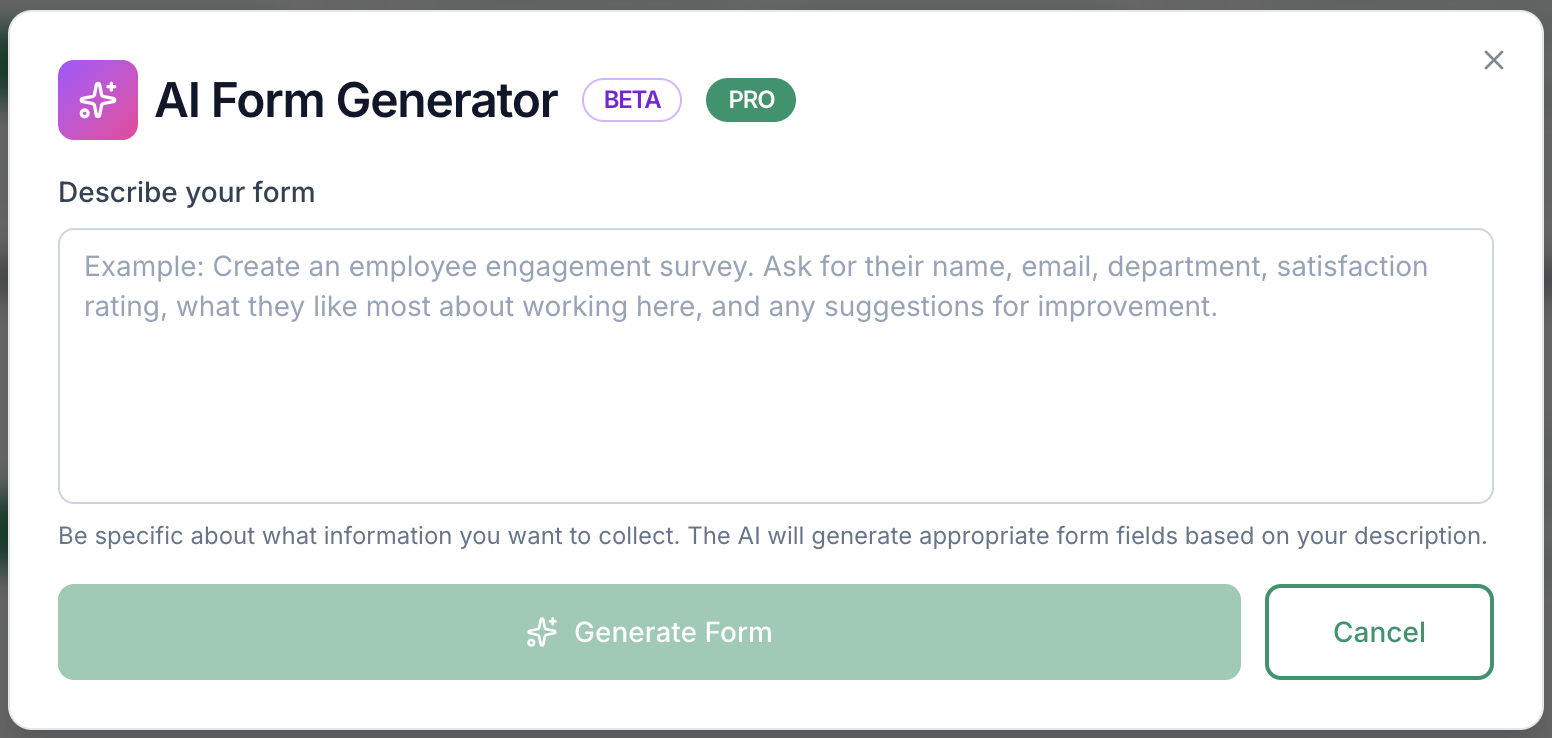
AI form generation screenshot in CrispForms

AI form generation

Draft forms from a plain-English prompt, then refine questions, logic, and copy before publishing.

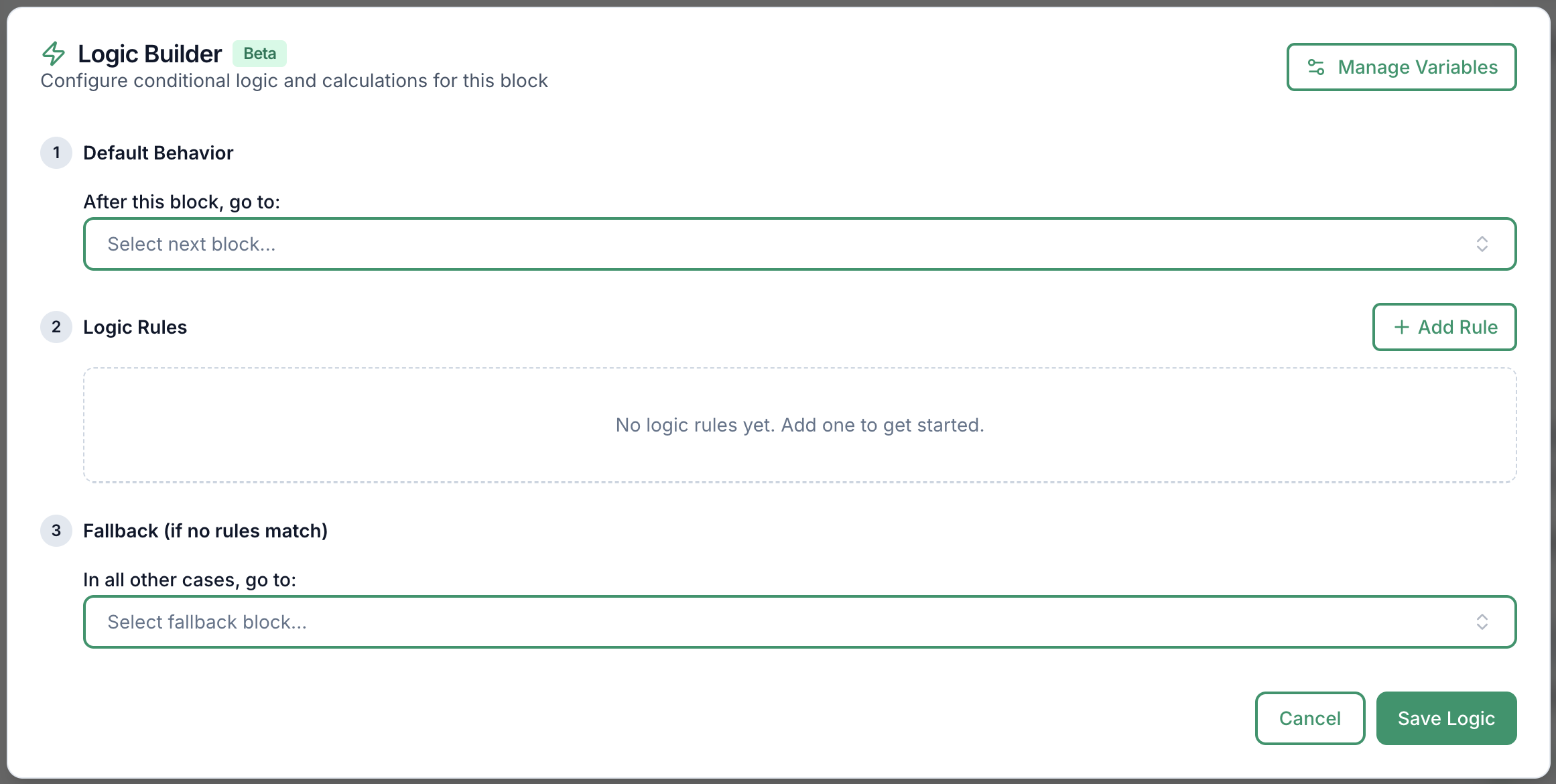
Logic builder screenshot in CrispForms

Logic builder

Create branching paths for lead qualification, feedback follow-ups, product matching, and quizzes.

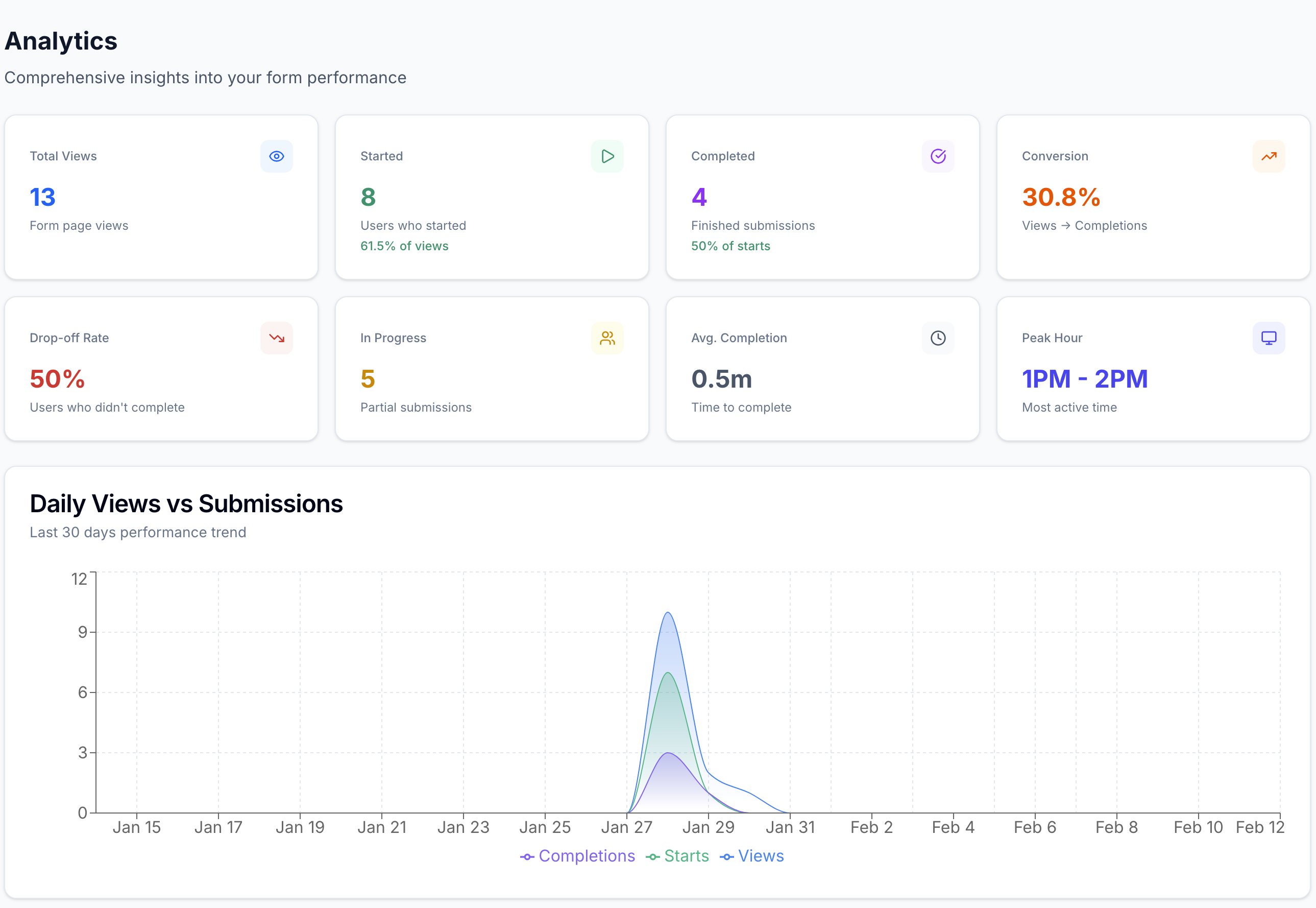
Analytics dashboard screenshot in CrispForms

Analytics dashboard

Track views, starts, completions, and drop-off so every form can improve after launch.

Frequently Asked Questions

Short answers for teams evaluating CrispForms and Microsoft Forms.

Is CrispForms a Microsoft Forms alternative?

Yes. CrispForms is a strong Microsoft Forms alternative for branded public forms, conversational surveys, quizzes, and website embeds.

When should I keep using Microsoft Forms?

Use Microsoft Forms for quick internal surveys, training quizzes, and polls that live naturally inside Microsoft 365.

Can CrispForms replace Microsoft Forms on a website?

Yes. CrispForms is built for website embeds and public-facing forms, making it a stronger choice for landing pages and customer workflows.

Ready to Try a More Conversational Alternative?

Build your first CrispForms form in minutes. Start with a lead form, feedback survey, quiz, registration flow, or any customer-facing form that deserves a better experience.